Activate reWASD Basic Lifetime Access
To activate your reWASD Basic Lifetime Access on PC you will need to Sign In into reWASD Basic application with your credentials or Google Account first.
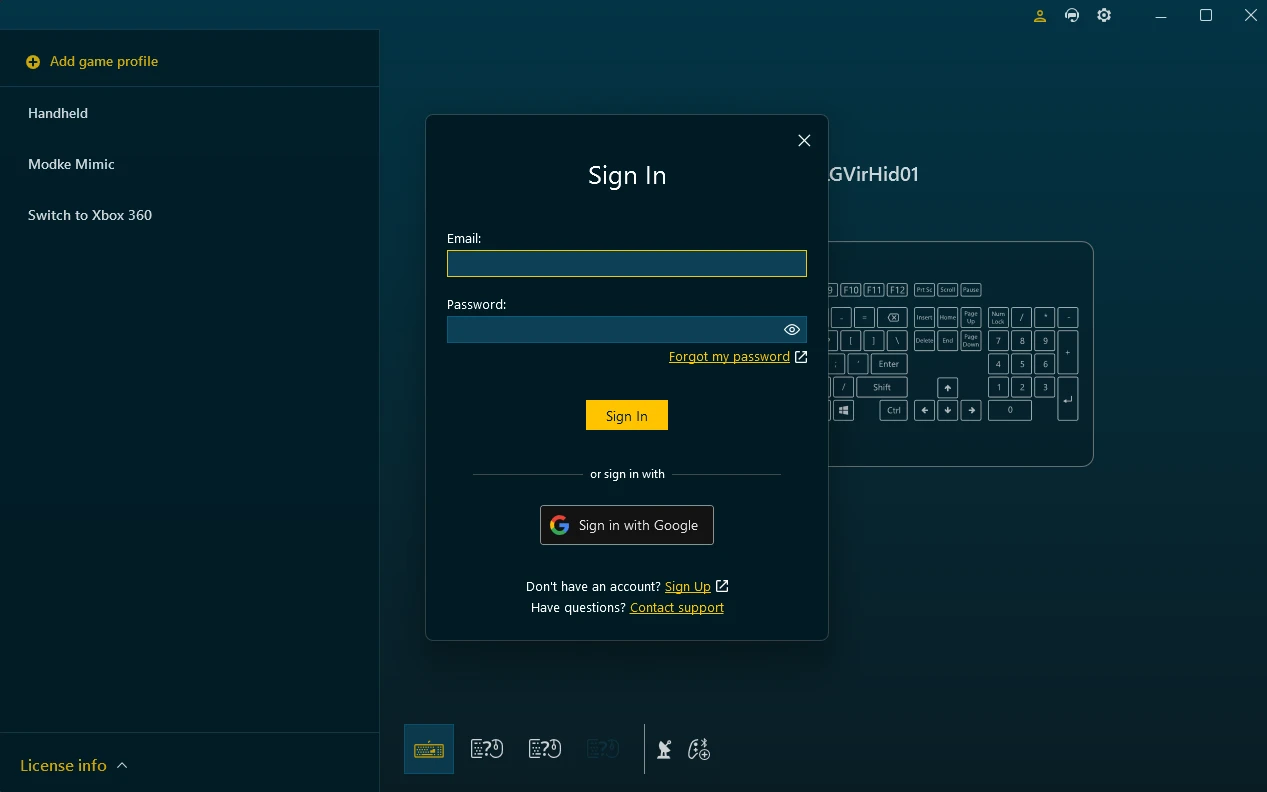
After signing in with your credentials and membership/or activating the trial - we will automatically activate current PC as a device used in the Active Plan. If you have multiple PC instances in your plan - we will activate it is as one of them.
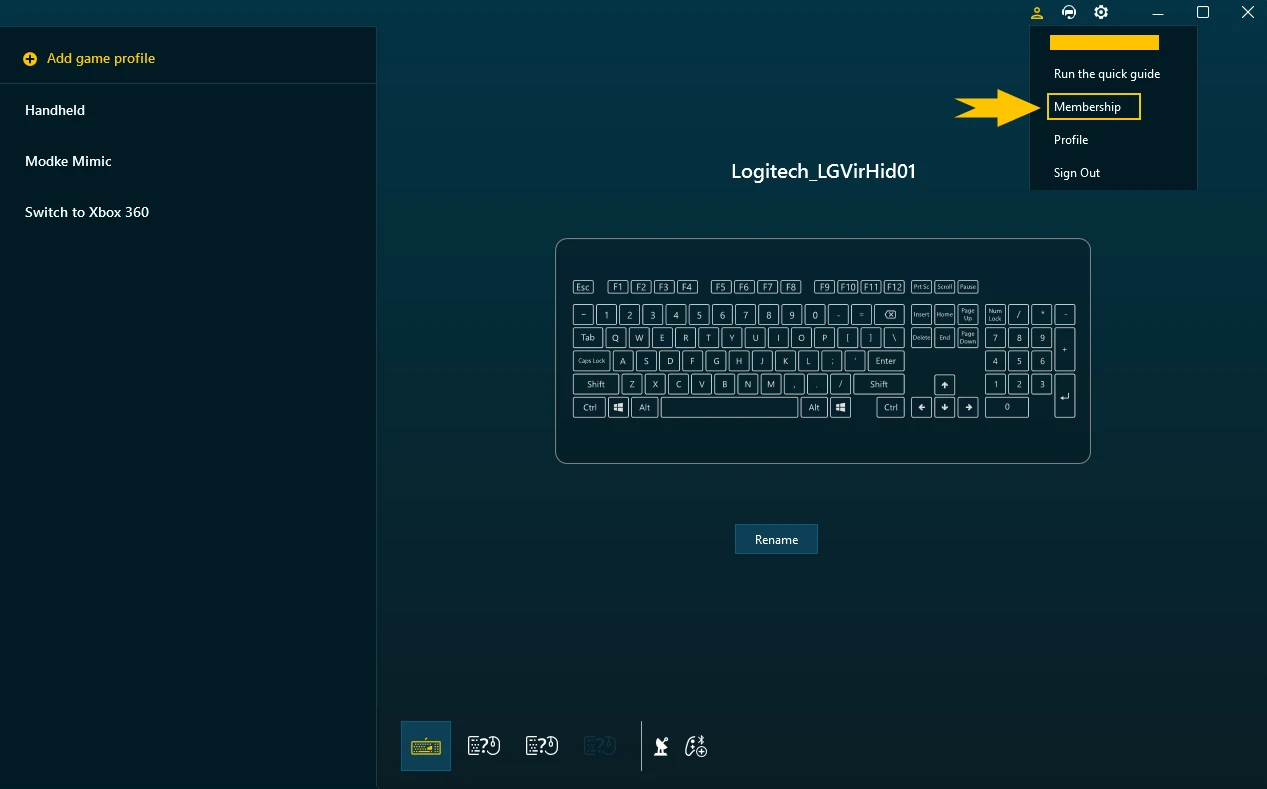
If you don't have an active plan on your PC or wish to change an active plan, proceed to Membership Management by clicking an Account button in the top right corner of the app and selecting Membership.

Choose the plan from the list of Available plans and click the Activate button.
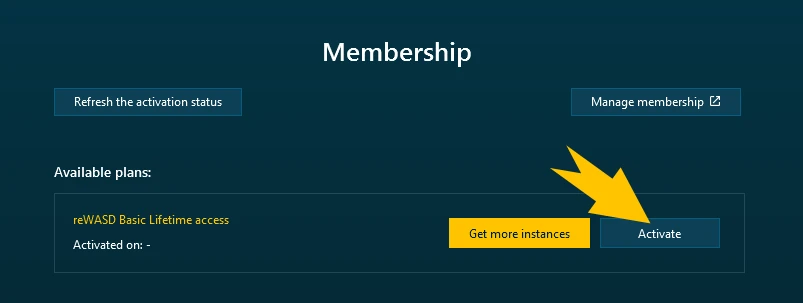
Your reWASD Basic Lifetime Access plan will be activated on your PC.